
Reveal
Setup – Step 2 Activate the Upgraded Version of Reveal
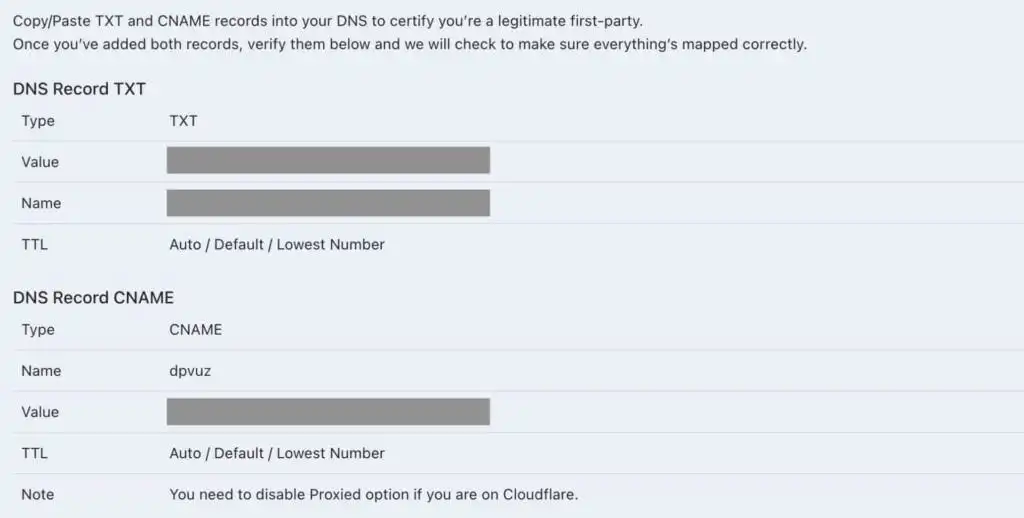
1. CORE CONNECT will provide two DNS Records to add to your domain records
Select X-Ray Pixel on the left-side menu and click on Add DNS records for Advanced tracking.
2. Log into your domain and navigate to DNS records
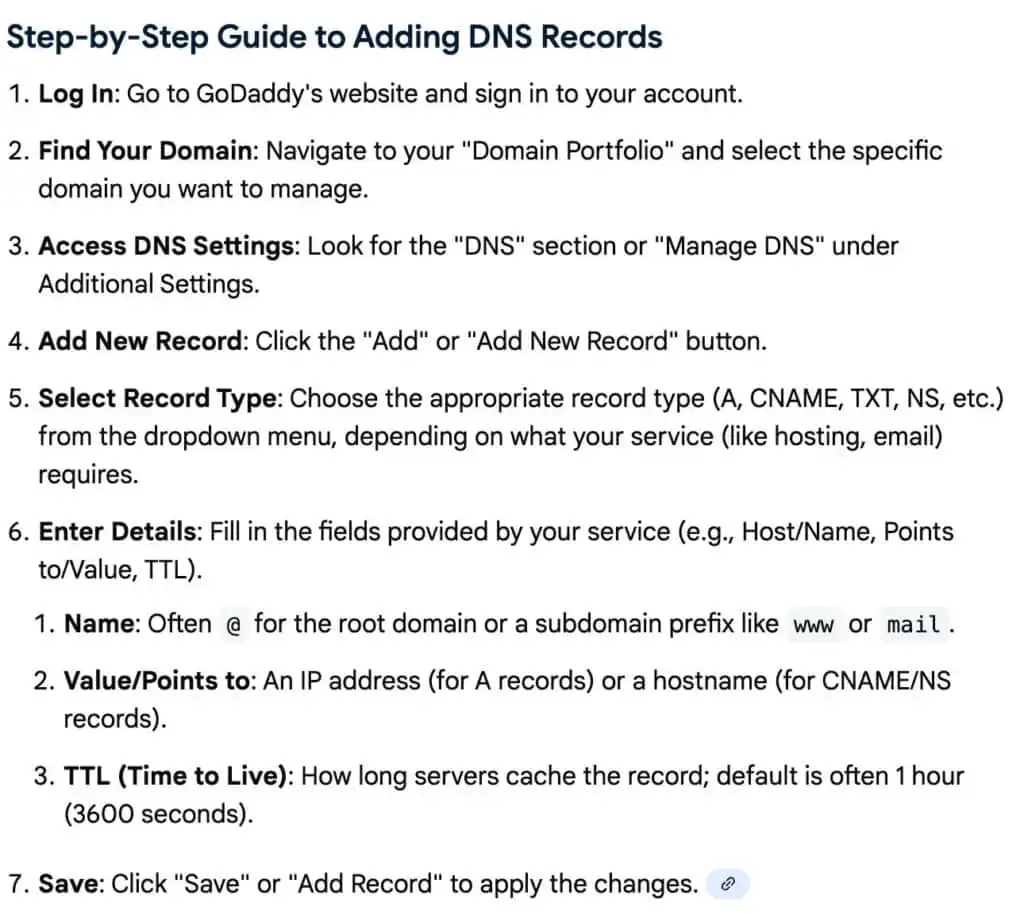
Log into your domain (GoDaddy, Cloudflare, Namecheap, Bluehost, Porkbun, etc). Navigate to the DNS records for your domain and
3. Set your DNS records where you host your domain
You will be provided with the TXT and CNAME records that you need to add into your DNS. Once added, click on VERIFY to begin the verification process which may take up to 4 hours.
Was this article helpful?