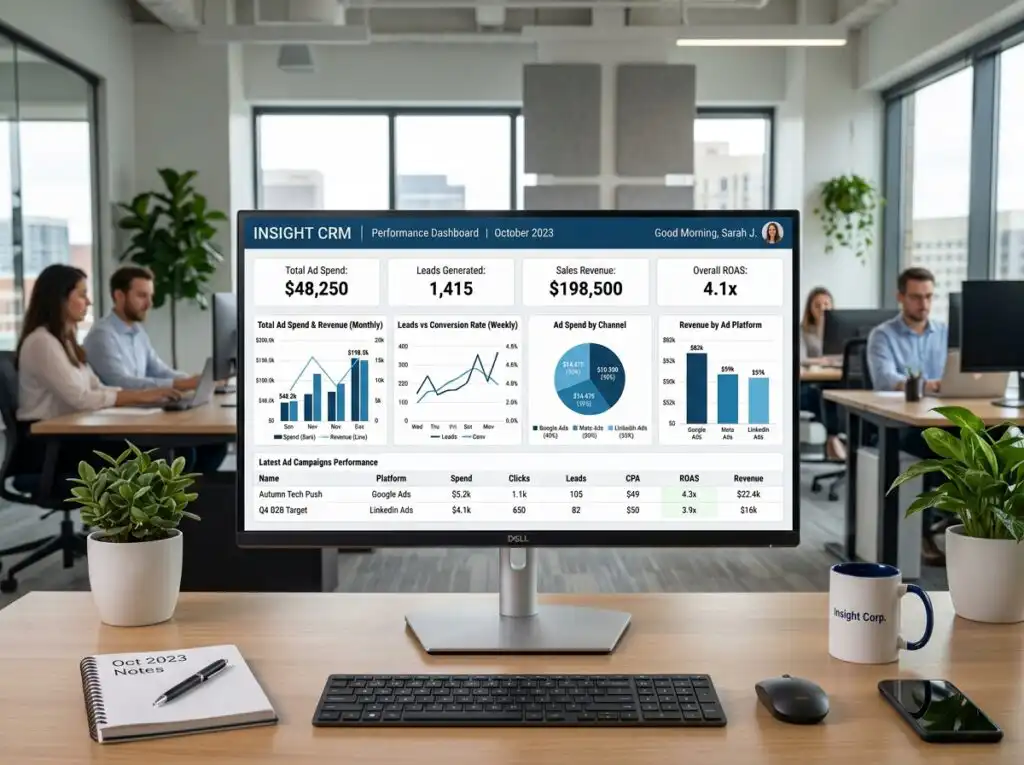
Why Your Business Needs CRM and Marketing Automation to Play Nice
Is Your Business Leaking Leads? Here’s What CRM Marketing Automation Integration Actually Does
CRM marketing automation integration is the process of connecting your customer relationship management system with your marketing automation tools so that data flows automatically between them — creating one unified system that tracks every lead from first click to closed deal.
Here’s what that means in practice:
- A lead fills out a form on your website — their info lands directly in your CRM, no manual entry needed.
- Your marketing system scores that lead based on their behavior — pages visited, emails opened, content downloaded.
- When the score hits a threshold, the CRM automatically alerts a sales rep and kicks off a personalized follow-up sequence.
- Every interaction is logged — so your sales and marketing teams always share the same picture of the customer.
No spreadsheets. No CSV exports. No dropped balls.
If you’re running a service business in Charleston — whether that’s home services, professional consulting, real estate, or anything in between — there’s a good chance your marketing and sales data live in completely separate worlds. Your website form submissions go one place, your email list lives somewhere else, and your sales team is working from a different system entirely. Sound familiar?
That disconnect isn’t just frustrating. It’s costing you real revenue.
Leads fall through the cracks between systems. Your team wastes hours on manual follow-up. And when you try to figure out which marketing efforts are actually working, you hit a wall. According to industry data, 89% of businesses have already integrated their marketing automation with their CRM — precisely because siloed tools create exactly these problems.
As one marketing expert put it plainly: a successful CRM and marketing automation integration is 90% strategy and only 10% technology. That means the tools matter far less than the plan behind them.
I’m Stephen Sovenyhazy, founder of CORE CONNECT, and over the past 20+ years I’ve built and optimized CRM marketing automation integration systems across industries including healthcare, professional services, and local trades — helping business owners stop losing leads to disconnected tools and start growing with systems they actually own. In the sections below, I’ll walk you through exactly how to make it work for your business.
Simple guide to CRM marketing automation integration terms:
Mastering CRM Marketing Automation Integration for Growth
When we talk about “playing nice,” we are talking about ending the civil war between your sales and marketing departments. For many businesses in the Lowcountry, marketing feels like throwing spaghetti at a wall, while sales feels like trying to catch that spaghetti with a fork before it hits the floor.
CRM marketing automation integration changes the game by creating a unified customer lifecycle. Instead of static contact cards, you get a living, breathing history of every person who interacts with your brand. Research shows that 45% of companies now cite automation as the primary feature they want in a CRM. Why? Because it enables real-time synchronization. When a prospect in Mount Pleasant clicks a link in your email at 2:00 PM, your sales rep should know about it by 2:01 PM.

At CORE CONNECT, we believe in the 90/10 rule: integration success is 90% strategy and only 10% technology. You can buy the most expensive software on the market, but if you don’t have a strategy for how a lead moves from “curious browser” to “loyal client,” the software won’t save you. We focus on building automation services that prioritize your business logic over shiny features.
Key Features of CRM Marketing Automation Integration
What should you actually look for when unifying these systems? It isn’t just about sending emails. A robust integration should include:
- Visual Workflow Builders: You shouldn’t need a computer science degree to automate a follow-up. Drag-and-drop interfaces allow us to map out the journey visually.
- Bi-directional Sync: If a sales rep updates a phone number in the CRM, it should automatically update in the marketing tool. No more “return to sender” emails because of outdated data.
- Behavioral Tracking: This is where the magic happens. You can see which pages of your website a lead visited before they called you.
- Lead Management & Scoring: Automatically rank leads based on their engagement so your team focuses on the “hot” prospects first.
For businesses looking for the ultimate “all-in-one” experience, we often implement the Reveal Marketing Hub. It’s designed to replace fragmented tools with a single operating system that gives you total ownership of your data.
Best Practices for CRM Marketing Automation Integration
Before you flip the switch, follow these golden rules to avoid a data disaster:
- Prioritize Data Hygiene: Clean your list before you sync it. Integrating “junk” data just gives you automated junk.
- Map the Journey Collaboratively: Sit your sales and marketing teams in the same room (perhaps over some local Charleston BBQ) and decide exactly when a lead should be handed off.
- Define Field Mapping: Ensure “First Name” in System A matches “First Name” in System B. It sounds simple, but this is where most technical glitches occur.
- Start Small with Triggered Events: Don’t try to automate your entire business on day one. Start with a simple “Thank You” sequence for new web leads.
To stay updated on the latest shifts in automation strategy, you can connect with Paul Newham on LinkedIn, who shares deep insights into how digital systems drive real-world growth.
The Strategic Benefits of a Unified System
The “Why” behind CRM marketing automation integration usually comes down to one thing: ROI. Studies have shown that marketing automation can deliver a staggering 544% ROI. When your systems talk to each other, you stop guessing and start growing.
One of the biggest wins is closed-loop reporting. This allows you to trace a closed deal back to the specific Facebook ad or SEO keyword that originally generated the lead. Without integration, that data is lost in the “void” between systems.
Furthermore, 87% of customers now expect personalized interactions. If a customer just bought a service from you, they shouldn’t receive a “10% off your first purchase” email the next day. Integration allows for “suppression lists”—automatically removing active customers from top-of-funnel marketing so you don’t annoy the people who already love you.
| Feature | Siloed Tools (The Chaos) | Integrated Platform (The Core) |
|---|---|---|
| Data Entry | Manual, repetitive, error-prone | Automatic, real-time, accurate |
| Lead Handoff | “I sent you an email with the CSV” | Instant alert in the CRM |
| Personalization | Generic “Dear Customer” | “Hi John, saw you liked our Real Estate guide” |
| Reporting | Guesses and spreadsheets | Clear, data-driven revenue attribution |
| Efficiency | Hours wasted on admin | Team focuses on high-value selling |
Step-by-Step Guide to Integrating Your Systems
Ready to stop the leak? Follow this roadmap to bring your systems together.
1. Audit Your Existing Data
You can’t fix what you don’t measure. Look at where your leads are coming from currently. Are they in an Excel sheet? A Mailchimp list? A stack of business cards from a networking event at the Gaillard Center? Consolidate these into a “Source of Truth.”
2. Define Your Lifecycle Stages
What makes someone a “Lead” vs. a “Marketing Qualified Lead” (MQL) vs. a “Sales Qualified Lead” (SQL)? Defining these stages ensures that your automation triggers the right message at the right time.
3. Map Critical Fields and Set Triggers
Decide what information needs to move. Beyond just names and emails, consider “Last Page Visited” or “Budget Range.” Set triggers so that when a user takes a specific action—like visiting your pricing page—an alert is sent to your sales team immediately.
4. Implement Visitor Identification
Most people visit your site and leave without filling out a form. We use visitor identification technology to help Charleston businesses identify those anonymous browsers, giving you a head start on the competition.
5. Sandbox Testing and Optimization
Never go “live” to your entire database at once. Test your integration in a sandbox environment. Send test leads through the funnel to ensure the emails trigger correctly and the data lands in the right CRM fields.
Once live, schedule quarterly audits. Technology changes, and your business will grow; your integration needs to evolve with you.
Leveraging AI and Local Insights for Charleston Businesses
In 2026, CRM marketing automation integration is being supercharged by Artificial Intelligence. It is no longer a futuristic concept; it is a practical tool for the modern business owner. In fact, 78% of marketers believe AI will automate more than a quarter of their tasks within the next three years.
How does this look for a local business?
- Real Estate: Use AI sentiment analysis to flag leads who seem “ready to list” based on the tone of their inquiries.
- Tourism & Hospitality: Automate personalized itineraries based on a guest’s previous visits stored in your CRM.
- Professional Services: Use predictive lead scoring to identify which Mount Pleasant businesses are most likely to need your consulting services this quarter.
Whether you are navigating the competitive real estate market in Daniel Island or growing a home services brand in Summerville, AI-driven personalization ensures your message doesn’t get lost in the noise. Combined with custom website development, these tools create a digital presence that works 24/7, even when you’re enjoying a weekend on Sullivan’s Island.
Frequently Asked Questions about CRM Marketing Automation
What is the main difference between CRM and marketing automation?
Think of it as a relay race. Marketing automation is the first runner—it handles the top and middle of the funnel, focusing on lead generation, social media, and email nurturing. The CRM is the anchor—it manages the bottom of the funnel, focusing on sales pipelines, deal stages, and long-term customer retention. Integration is the “baton pass” that ensures the lead isn’t dropped.
How long does it take to integrate these systems?
For most small to medium-sized businesses in the Charleston area, a standard CRM marketing automation integration project takes between 2 to 6 months. This timeline includes the initial audit, cleaning your data, mapping out your workflows, and training your team to use the new system.
Can small businesses afford CRM marketing automation integration?
Absolutely. While enterprise solutions can be pricey, modern platforms offer scalable “pay-as-you-grow” models. More importantly, the efficiency gains are massive. Most businesses see a 12.2% reduction in marketing overhead within the first year because they are no longer paying for redundant tools or wasting time on manual data entry.
Conclusion
At CORE CONNECT, we don’t believe in “renting” your success through endless ad spend. We believe in Ownership. By implementing a unified digital ecosystem, you take control of your data, your leads, and your growth.
We are proud to serve the Charleston business community—from the historic streets of downtown to the growing hubs in North Charleston and beyond. Our mission is to replace your “chaos of apps” with the Reveal Marketing Hub, a single, powerful operating system that provides clarity and measurable ROI.
Stop letting your leads leak through the cracks of a broken system. It’s time to make your tools play nice.
Ready to transform your business?
- Get Your Free Digital Audit
- Schedule a Free Consultation
- Book a 30-Minute Discovery Call
Contact Us:
Phone: +1 (843) 800-2026
Email: hello@coreconnect.com
Serving: Charleston, Mount Pleasant, Summerville, Greenville, and the greater Southeast.