
Referral Program
Payouts
You can easily track your payouts right from the Affiliate Dashboard. To check the payout details, you need to login to your affiliate account and go to the Payout tab from the top menu.
Payouts
This section shows the list of all payouts that have been made to your account. You’ll find:
- Date – When the payout was processed.
- Amount – The total amount you received in that payout.
- Status – Whether the payout is Paid, Unpaid, or Pending.
- Descrption – This provides details about the payouts.
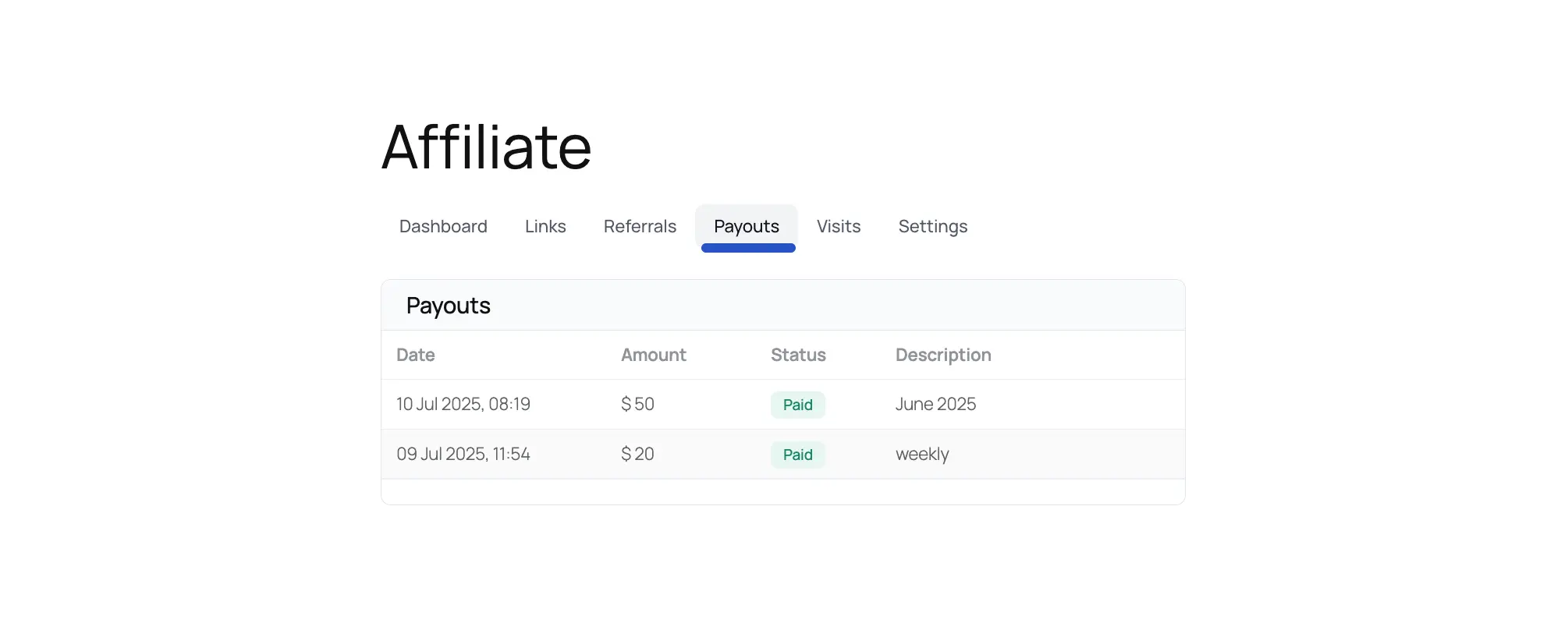
All of this helps you quickly understand how much you’ve earned, what’s been paid out, and what’s still pending.
Was this article helpful?